The bill never stops
You’re paying $79 a month or more for an AI app, whether you post or not.
A step-by-step video course that takes you from a blank Mac or Windows PC to a fictional AI persona with a trained face, photos, short videos, voice and a posting system — using free tools that run on your machine.
One payment of $97. Lifetime access. 30-day money-back guarantee.
You’re paying $79 a month or more for an AI app, whether you post or not.
Your model looks like a new person in every image, so nobody follows her.
Courses promise ease, then send you to paid tools and a Discord.
Content sits on someone else’s servers. One policy change can wipe the work.
A handful of clips later, you’re buying another pack.
You don’t want to get banned — or believe income screenshots you can’t check.
If you own an Apple Silicon Mac or a Windows PC with an NVIDIA GPU, you already have the hardware. The tools are free: ComfyUI, Z-Image, Wan 2.2, a local language model and a local voice, plus Draw Things on a Mac.
ModelProducer walks you through installing them, creating an original persona, training her face so she stays consistent, making photos and short videos, and building a posting routine with a human approving every post.
We teach one platform for earning: Fanvue, because it allows fully AI creators that are clearly labeled. We don’t promise income. We show you the system, the rules, and our own case study as it happens.
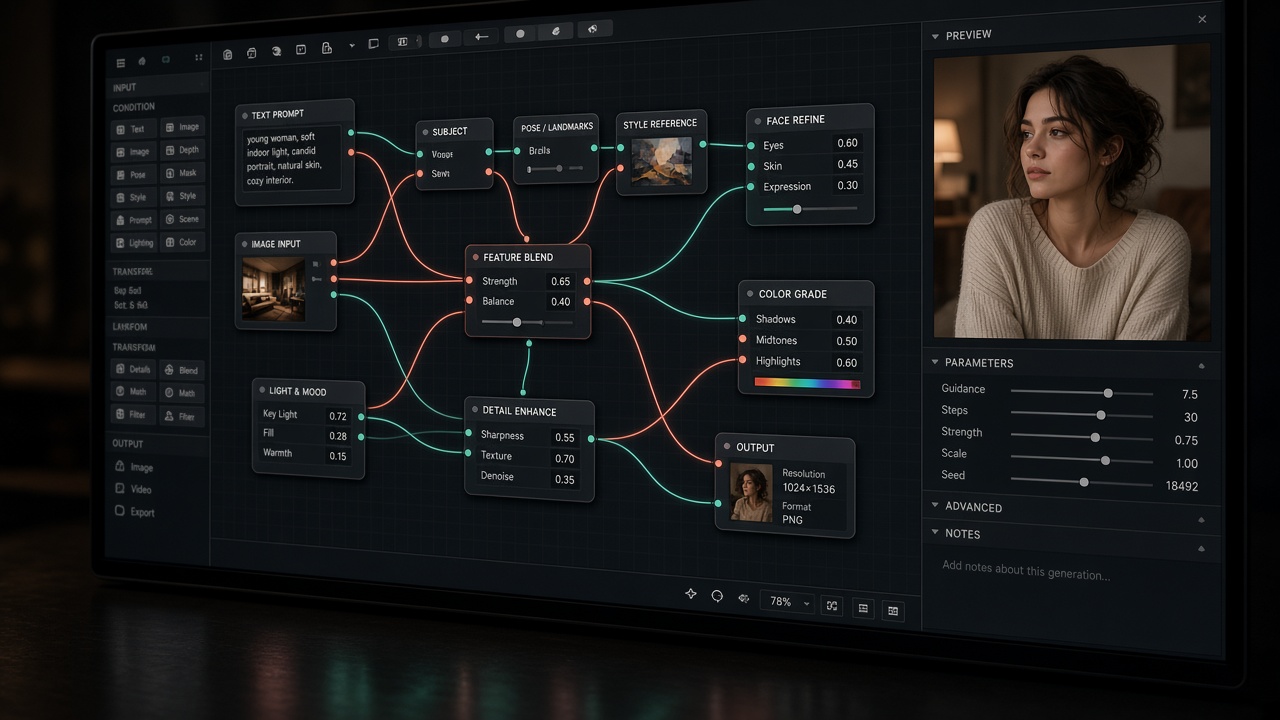
ComfyUI, a local LLM and voice, plus Draw Things on a Mac — installed and tested.
Fictional, 21 or older, clearly adult, with a written bible and a face nobody else has.
A LoRA that keeps her the same person across photos and clips.
Fixes and upscaling from ready-made workflow files.
Stills animated with Wan 2.2, queued to render overnight.
Captions drafted locally, you approve, then it posts.
AI labels, pricing and tracking links.
A calendar you can actually run.
Mac Studio M5 Ultra, 96 GB, November 27–28, 2026. A still in 8 to 24 seconds; a 3-second clip in 2.5 minutes. Your speeds depend on your computer.
The redhead below is a pipeline test render, not the course persona. We use it only to show real local output, face-consistent across frames.




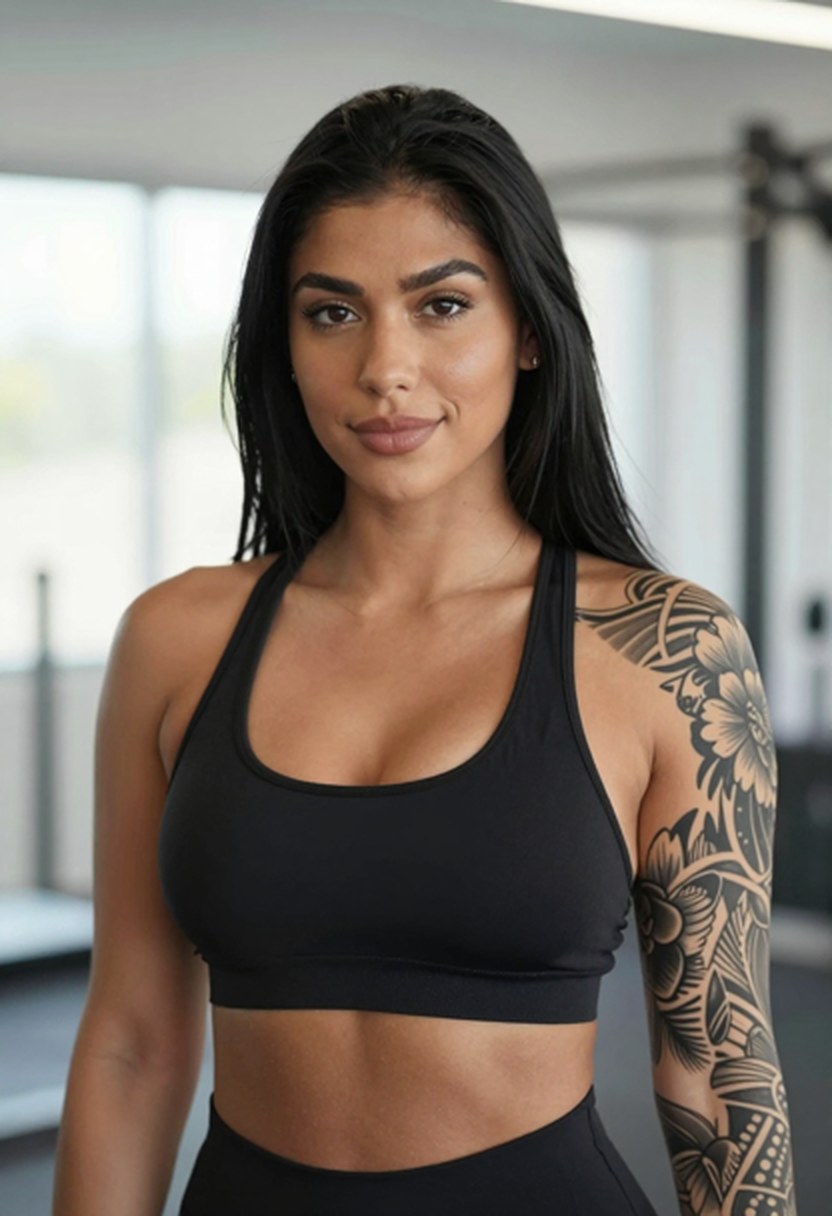
The large portrait is our selected case-study face — a fictional fitness creator, 21+, age 23. Around her are example personas in different niches, clothes and settings, to show the range of original adult characters you can design.
Generated locally on our reference Mac. Example fictional personas. Every character shown is AI-generated and not a real person.




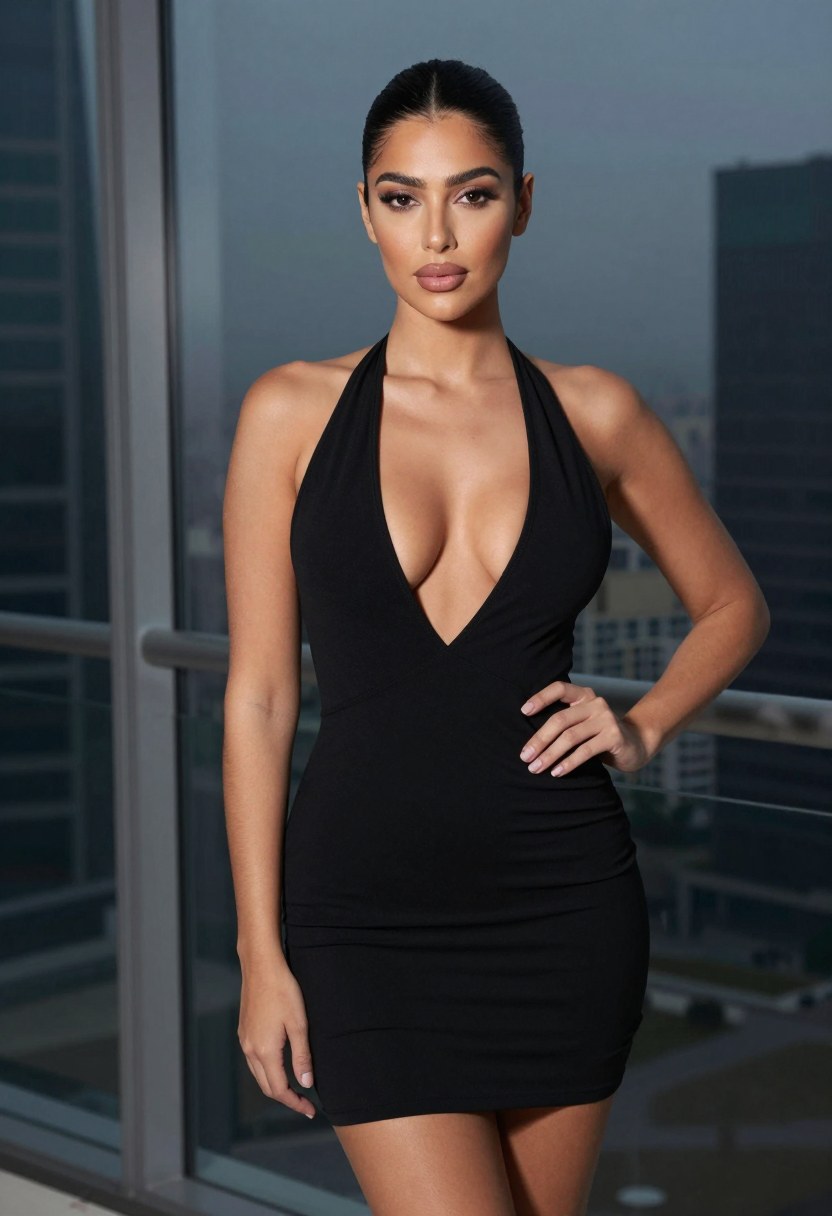



Generated locally on our reference Mac. Example fictional personas. Every character shown is AI-generated and not a real person.
About 11 hours 50 minutes of video (planned). Open a card for the full lesson list. Free class and Preview mark lessons you’ll be able to sample.
| 0.1 | What you'll build Free class | 5 min |
| 0.2 | How AI creators actually earn Free class | 10 min |
| 0.3 | The rules in one page | 10 min |
| 0.4 | How to use this course | 5 min |
| 1.1 | What your computer can do Preview | 8 min |
| 1.2 | Your first image (Draw Things on Mac, ComfyUI on Windows) Free class | 12 min |
| 1.3 | ComfyUI Desktop | 18 min |
| 1.4 | Your local LLM | 10 min |
| 1.5 | Local voice (optional) | 8 min |
| 1.6 | Folders and backups | 6 min |
| 2.1 | The persona bible (21+, fictional) | 12 min |
| 2.2 | Niche and look | 10 min |
| 2.3 | Generating candidate faces Preview | 15 min |
| 2.4 | Look-alike and age checks | 8 min |
| 2.5 | Building the dataset | 15 min |
| 3.1 | What a LoRA is Preview | 6 min |
| 3.2 | Captions and trigger word | 12 min |
| 3.3 | Training your face model | 20 min |
| 3.4 | Watching a run | 8 min |
| 3.5 | Testing checkpoints | 12 min |
| 3.6 | Cloud fallback (optional, paid) | 8 min |
| 4.1 | Prompt structure | 12 min |
| 4.2 | Batch shoots | 15 min |
| 4.3 | Inpainting fixes | 15 min |
| 4.4 | Upscaling | 10 min |
| 4.5 | The ComfyUI image workflow | 18 min |
| 4.6 | Labels and filing | 6 min |
| 5.1 | What local video can do Preview | 8 min |
| 5.2 | Wan 2.2 in ComfyUI | 20 min |
| 5.3 | Overnight batch renders | 10 min |
| 5.4 | Draw Things video option (Mac) | 10 min |
| 5.5 | Cutting reels | 12 min |
| 6.1 | Choosing a voice | 8 min |
| 6.2 | Running local text-to-speech | 12 min |
| 6.3 | Voice notes and voice-overs | 8 min |
| 7.1 | Pipeline overview | 8 min |
| 7.2 | The approval Sheet | 10 min |
| 7.3 | n8n local or hosted | 15 min |
| 7.4 | Building the workflow | 25 min |
| 7.5 | Posting approved posts | 12 min |
| 7.6 | Channel rules and AI labels | 12 min |
| 7.7 | Research what already works | 12 min |
| 7.8 | Hooks and reel formats Preview | 13 min |
| 7.9 | Posting rhythm and reading results | 10 min |
| 8.1 | Account, ID check and AI label | 10 min |
| 8.2 | Profile, banner and intro | 10 min |
| 8.3 | Pricing and free trials | 10 min |
| 8.4 | Organizing the vault | 8 min |
| 8.5 | Tracking links | 8 min |
| 8.6 | Welcome message | 6 min |
| 9.1 | Where the money comes from | 8 min |
| 9.2 | The inbox routine | 10 min |
| 9.3 | Bundles and menus (process only) | 12 min |
| 9.4 | LLM drafts, human sends | 15 min |
| 9.5 | AI disclosure in chat | 6 min |
| 9.6 | Keeping fans | 8 min |
| 10.1 | Platform rules | 12 min |
| 10.2 | Model licenses | 10 min |
| 10.3 | The hard rules Preview | 8 min |
| 10.4 | Taxes, entity and banking | 12 min |
| 10.5 | Separation and privacy | 8 min |
| 11.1 | Days 1 to 7 | 15 min |
| 11.2 | Days 8 to 21 | 15 min |
| 11.3 | Day 30 results | 12 min |
| 11.4 | What I'd change | 8 min |
Lifetime access, English and Spanish, 30-day money-back guarantee. Optional $19 Prompt & Workflow Pack at checkout.
“Comparable value” is what similar stand-alone courses, workflow files and templates sell for online (checked November 26, 2026). Where no close match existed we used a conservative estimate. ModelProducer has never been sold at $606. The price is $97.
Paid-app figures come from a competitor’s published requirements ($79/mo required app, $42/mo optional second app) and course prices checked November 26, 2026. Hardware and electricity aren’t counted. Optional extras (hourly cloud GPU, auto-posting) are flagged in the lessons.
A filled-in fictional example you can rewrite.
Lifestyle, fitness, travel, studio.
Paid apps versus the local stack.
Platform and AI-label rules, updated quarterly.
Your first week of posts, planned.
Day by day, so you know what to do tomorrow.
If it isn’t right for you, email support@modelproducer.com within 30 days of purchase and we’ll refund you in full. You don’t need to explain why.
An Apple Silicon Mac, or a Windows PC with an NVIDIA GPU. The speeds on this page were measured on our reference Mac (Mac Studio M5 Ultra, 96 GB); yours depend on your computer. Intel Macs and machines without a suitable GPU aren't supported unless you rent a cloud GPU by the hour. Full hardware notes for both tracks are in Module 1.
If you can install an app and paste a command, yes. No coding. Every install is screen-recorded start to finish.
$0 a month in AI tools. Optional extras: an hourly cloud GPU if your computer is too small, and a paid auto-poster if you don't want to post by hand. Fanvue keeps a share of what you earn; check their current terms.
We can't promise that, and anyone who does is guessing. Most people earn little or nothing at first. We show you the system, the rules and our own case study as one example, not a typical result.
OnlyFans requires AI content to feature the verified creator. Fanvue allows fully AI creators that are clearly labeled, so that's the platform we teach.
Yes, when the persona is fictional, 21 or older, clearly adult, labeled as AI and posted within each platform's rules. Module 10 covers the rules and model licenses. It's general information, not legal advice.
No. Every lesson and file is safe for work. The adult side is covered as process and settings only.
No. The course only covers original, fictional characters, and we show you how to check that your face isn't a look-alike of anyone real.
It's self-paced. Your first image takes minutes on day one, and a face model trains overnight. The 30-day calendar lays out a realistic first month.
Yes. The Spanish version is included at the same $97 and opens one week after the English launch.
Yes. The course covers Apple Silicon Macs and Windows PCs with an NVIDIA GPU. Mac-only tools such as Draw Things have ComfyUI equivalents on Windows.
Checkout is a secure Stripe payment page. After you pay, a confirmation email is sent to the address you use at checkout, plus email support at support@modelproducer.com.
65 lessons, every workflow file, six bonuses and the Spanish version for $97. Try it for 30 days. If it isn’t for you, get your money back.
30-day money-back guarantee. Secure checkout on Stripe.
ModelProducer · $97 one time · 30-day money-back guarantee
Get the course